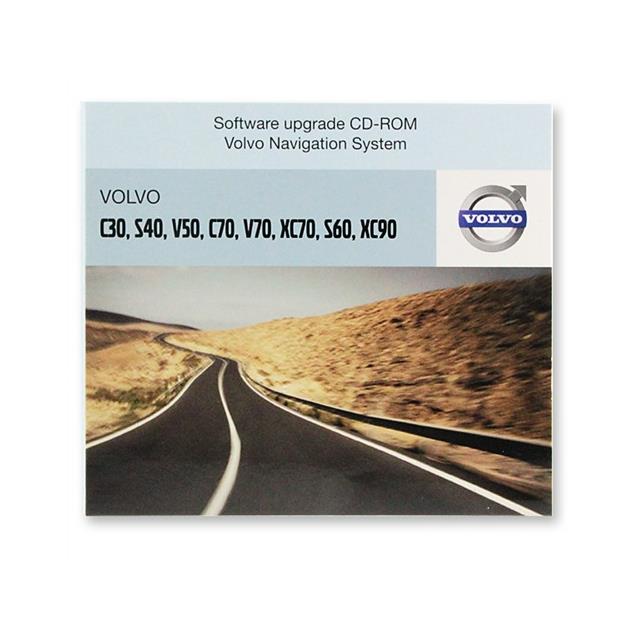
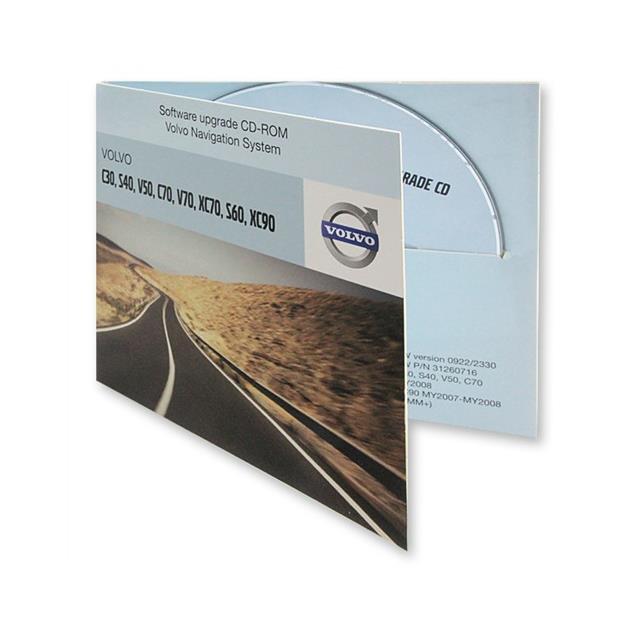
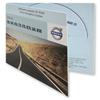
VOLVO Operating software - Navigation / Radio software Update for Volvo RTI (P/N 31266835 / 1CD)
Article number: 11004231
67.90 €
3% discount: 65.86 €
For payment by cash in advance (bank transfer) or pickup on the spot
Little in stock
Install the update**
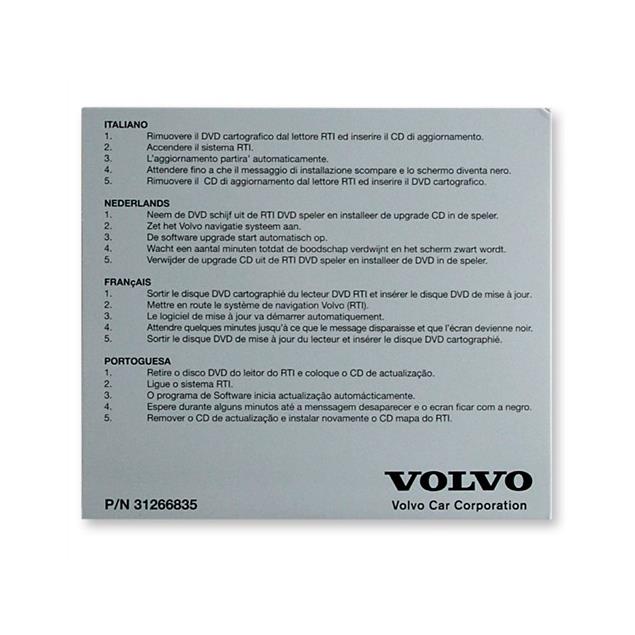
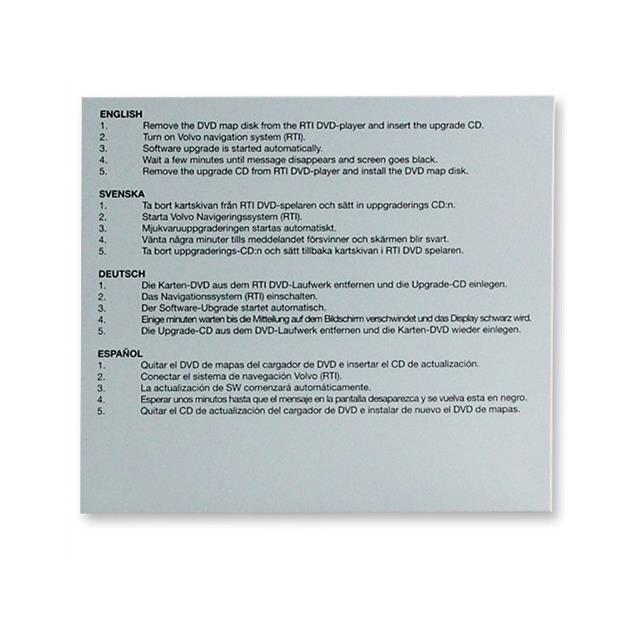
- Remove the DVD map disk from the RTI DVD-Player and insert the upgrade CD.
- Turn on Volvo navigation system (RTI).
- Software upgrade is started automatically.
- Wait a few minutes until message disappears and sreen goes black.
- Remove* the upgrade CD from RTI DVD-player and install the DVD map disk.
Notes:
* If you do not remove the CD from the drive, the disk will be re-inserted and the Download-menu will be displayed again. In this case abort the download procedure and remove the CD.
** This you have to make in the workshop of you trust. We accept no Garanie or warranty.
- There are no navigation data (streets) on the CD. We also offer the Navigation data of all countries / regions in Europe for the RTI (MMM+) HDD - DVD oder das RTI (MMM/P2001) - DVD. Please contact our support [email protected].
- This is the latest version of operating software for the RTI (MMM+) HDD - DVD oder das RTI (MMM/P2001) - DVD at the moment.
Scope of Delivery:
- 1 x Operating software - Nnavigation / Radio software Update for Volvo RTI (MMM+) HDD - DVD oder das RTI (MMM/P2001) - DVD


Customers also bought



Other products of the manufacturer: